 English
 български
 Deutsch
 Español
 Polski
 Română
 Türkçe
 Français
 Italiano
 Português
7 Best AI Tools for Content Creators in 2026 (Video, Voice & Images)
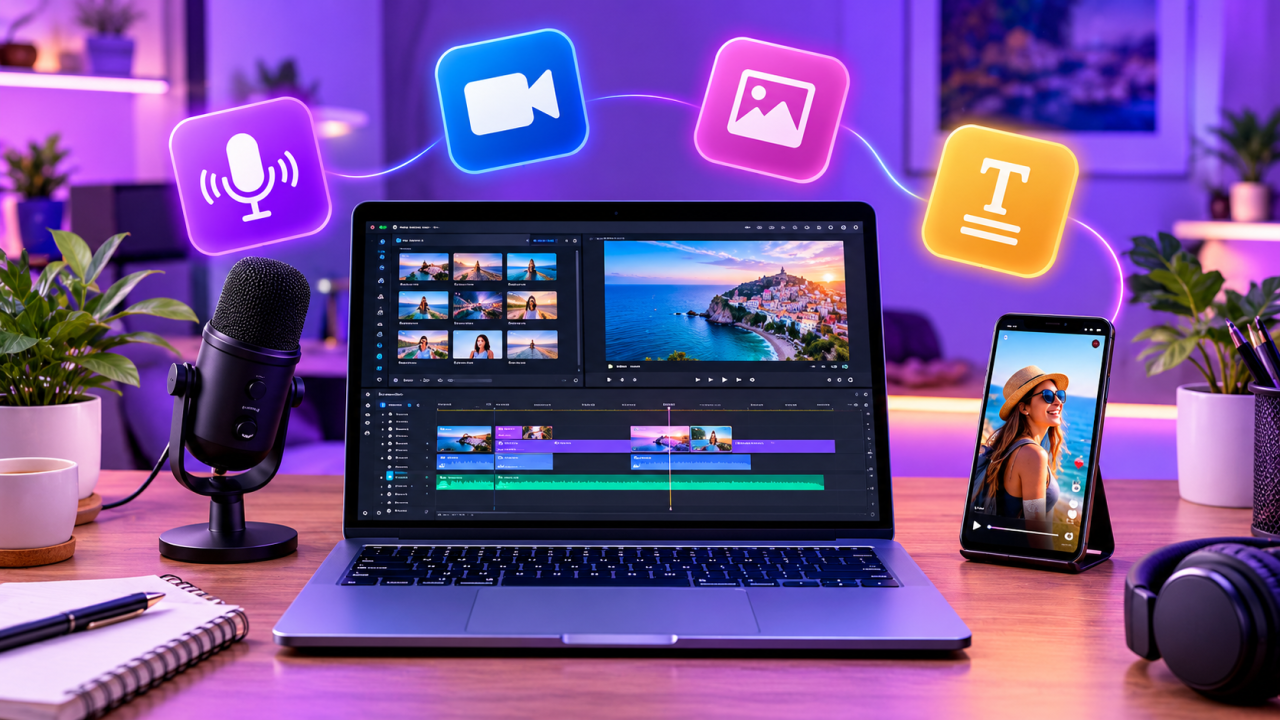
Short on time? The best AI tools for content creators in 2026 are ElevenLabs for voiceovers, Klap for turning long videos into Shorts, VEED for editing and subtitles, Revid for quick faceless videos, MagicLight for story videos, Phot.AI for product photos and ChatGPT for scripts. Below you will find what each one is best at, what it costs to start, and how to combine them into one simple workflow.
Creating content used to mean hours of filming, editing, recording and designing. In 2026, a solo creator or a small business can do most of that work with a handful of AI tools, often starting for free. The hard part is no longer finding AI tools; it is knowing which ones are actually worth your time.
We picked the tools below because each one solves one clear job very well, each one has a free plan or free trial so you can test it before paying, and together they cover the full content process: idea, script, voice, video, images and publishing.
Disclosure: some links in this article are affiliate links. If you buy through them, aishopit.com may earn a small commission at no extra cost to you. It helps us keep testing tools and writing free guides.
Quick comparison: the best AI tools for creators in 2026
| Tool | Best for | Free option | Paid plans from* |
|---|---|---|---|
| ElevenLabs | Realistic AI voiceovers and dubbing | Yes, free monthly credits | about $5–6/month |
| Klap | Turning long videos into Shorts, Reels and TikToks | Free test video | about $23/month (yearly) |
| VEED | Online video editing, subtitles and branding | Free plan (720p, watermark) | about $25/month (less yearly) |
| Revid | Fast faceless short videos from an idea or text | Try before you buy | See current pricing |
| MagicLight | Story and animated videos up to 50 minutes | Free trial credits | about $12/month |
| Phot.AI | Product photos, background and object removal | Free trial | about $9/month |
| ChatGPT | Ideas, scripts, titles and captions | Yes, free plan | Plus and Pro plans |
*Prices change often and depend on monthly or yearly billing. Always check the official pricing page before you buy.
1. ElevenLabs – best AI voice generator
If your videos need a voice, ElevenLabs is still the tool most creators compare everything else to. You paste your script, pick a voice from a large library (or create a voice from your own recordings) and get natural-sounding audio in seconds, in many languages.
Why creators like it: very natural intonation, emotion control, voice cloning of your own voice, AI dubbing to reach viewers in other languages, and a studio for long projects such as audiobooks or YouTube narrations.
Good to know: the free plan is perfect for testing, but commercial use (monetised YouTube, ads, client work) needs a paid plan. Credits are counted per character, so long scripts use them faster.
Best for: faceless YouTube channels, explainer videos, podcasts, ads and translated versions of your content.
2. Klap – best for turning long videos into Shorts
One long video can become ten or more short clips, and Klap does most of that work for you. Upload a video or paste a YouTube link, and Klap finds the strongest moments, turns them into vertical 9:16 clips, keeps faces in frame and adds animated captions.
Why creators like it: automatic highlight detection, face tracking, styled captions, a virality score for each clip, brand fonts and colours, and on higher plans translation and AI dubbing.
Good to know: AI picks are a great starting point, but review every clip before posting. A quick trim of the first second often makes the hook stronger.
Best for: podcasters, coaches, YouTubers and anyone who records webinars, interviews or live streams.
3. VEED – best all-in-one online video editor
VEED is a browser-based editor, so there is nothing to install. It is especially strong for subtitles: it can generate them automatically, translate them and style them to match your brand. It also offers AI features such as text-to-video, avatars and clean-up tools.
Why creators like it: easy timeline editing, automatic subtitles, brand kits, screen recording and templates for every social format.
Good to know: the free plan exports at 720p with a watermark. Paid plans remove the watermark and export in 1080p or 4K.
Best for: small businesses and creators who want one simple editor for every video.
4. Revid – best for fast faceless short videos
No camera, no problem. Revid turns an idea, a script, a blog post or a product link into a ready-to-post short video with visuals, voiceover, music and captions. It is built for TikTok, Reels and YouTube Shorts, so everything comes out vertical and fast-paced.
Why creators like it: very fast from idea to finished video, viral-style templates and captions, and an easy way to post consistently without filming.
Good to know: for the best results, give it a clear hook and a specific topic. Generic prompts produce generic videos.
Best for: faceless channels, affiliate marketers, online shops and anyone who wants to post every day.
5. MagicLight – best for story and animated videos
MagicLight turns a story, script or idea into a full animated video with consistent characters, scenes, voiceover and subtitles. Unlike most AI video tools that stop at a few seconds, it can create long videos of up to around 50 minutes.
Why creators like it: story templates, 20+ visual styles, character consistency across scenes, and voiceovers and subtitles in 30+ languages.
Good to know: credits go quickly on long videos, so start with a short story to learn how it works.
Best for: kids' stories, animated YouTube channels, history and faith content, and storytelling brands.
6. Phot.AI – best for product photos and image editing
Great visuals sell. Phot.AI is an online AI photo studio that removes backgrounds and unwanted objects, restores old photos and creates new product backgrounds, with templates for social media and online shops.
Why creators like it: one place for all the everyday image jobs, simple drag-and-drop editing and fast results.
Good to know: for product shots, start with a sharp, well-lit photo. AI can improve a good photo much more than it can rescue a blurry one.
Best for: online sellers, marketers, bloggers and thumbnail designers.
7. ChatGPT – best free starting point for ideas and scripts
Almost every good video starts with a good script. ChatGPT is still the easiest free tool for brainstorming video ideas, writing hooks, outlining scripts and creating titles, descriptions and hashtags. In October 2026 OpenAI rolled out its GPT-6 models in ChatGPT, including for free users, together with a more visual, interactive answer style.
Tip: give it your audience, your goal and an example you like, then ask for five hooks instead of one. Pick the best and improve it in your own words.
How to combine these tools into one simple workflow
- Idea and script: brainstorm and outline in ChatGPT, then edit the script in your own voice.
- Voice: record yourself, or create the voiceover in ElevenLabs.
- Video: film a long video and cut it into Shorts with Klap, or create a faceless video with Revid or a story video with MagicLight.
- Polish: fix subtitles, add your logo and adjust the timing in VEED.
- Thumbnail and images: clean up photos and create backgrounds with Phot.AI.
- Publish and measure: post at consistent times, then double down on the formats that get the most watch time and clicks.
How we chose these tools
We looked for tools that do one job very well, are easy for beginners, offer a free plan or trial, are actively updated in 2026, and give results good enough to publish. We avoided tools that lock basic features behind expensive plans or produce content that clearly looks "AI-made".
Frequently asked questions
What is the best free AI tool for content creators?
For most people, ChatGPT is the best free starting point because it helps with ideas, scripts and captions. For video and voice, ElevenLabs, VEED and MagicLight offer free plans or trials, and Klap lets you test one video for free.
Can I make money with AI-generated videos?
Yes, but platforms such as YouTube reward original, valuable content, not mass-produced copies. Use AI to work faster, add your own ideas and voice, and always follow each platform's rules on AI and synthetic content.
Do I need all of these tools?
No. Start with one tool for your biggest bottleneck. If editing takes too long, start with Klap or VEED. If you hate recording your voice, start with ElevenLabs.
Are AI voiceovers allowed on YouTube?
Yes. Make sure you have the right licence (usually a paid plan) and only clone voices you own or have permission to use.
Final thoughts
The best AI tool is the one that removes your biggest bottleneck. Pick one from this list, try the free plan this week and build from there. Browse more tools on aishopit.com, where we compare and review the AI tools worth your time.
Newsletter
Join our subscribers list to get the latest news, updates and special offers directly in your inbox