 English
 български
 Deutsch
 Español
 Polski
 Română
 Türkçe
 Français
 Italiano
 Português

10 Best AI Tools to Turn Long Videos into Shorts
An AI video editor built for short-form content can take a 30-minute podcast or webinar and automatically find the best moments, cut them into vertical clips, add captions, and get them ready for TikTok, Reels and YouTube Shorts in minutes instead of hours. The best tools combine AI clipping (finding "highlight" moments), auto-reframing (landscape to 9:16), and auto-captioning in one workflow.
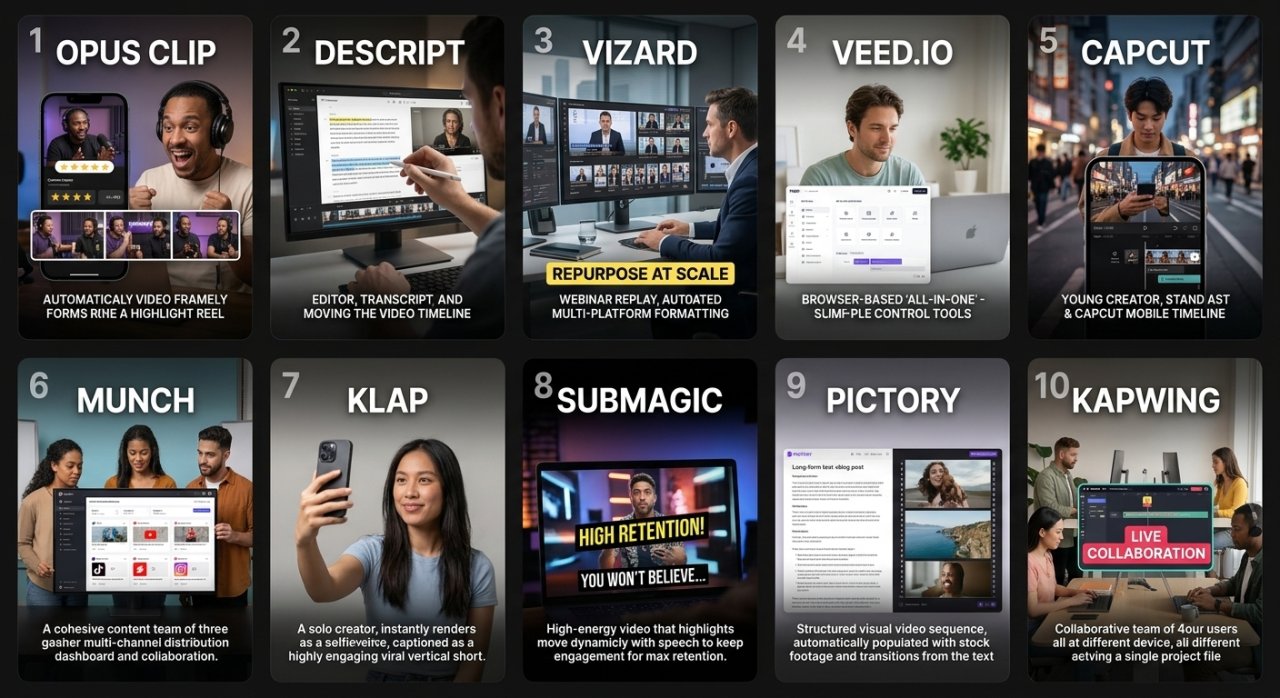
- Opus Clip – best for creators who want fully automated, ranked highlight clips from long videos
- Descript – best for editors who prefer a text-based, transcript-driven workflow
- Vizard – best for marketers repurposing webinars and sales calls at scale
- Veed.io – best for beginners who want a simple, browser-based all-in-one tool
- CapCut – best for mobile-first creators who want free, fast editing
- Munch – best for teams managing multi-platform publishing and distribution
- Klap – best for solo creators wanting quick, viral-style vertical clips
- Submagic – best for YouTubers who want animated, high-retention captions
- Pictory – best for turning blog or script content into short videos too
- Kapwing – best for collaborative teams editing clips together online
What does an AI tool that turns long videos into shorts actually do?
These tools use AI to scan a long video, detect speech, pacing and emotional peaks, then suggest or auto-generate short clips. Most also auto-add subtitles, reframe the footage vertically, and apply simple branding like logos or templates.
- Transcribe the video automatically
- Identify "hook-worthy" or high-engagement segments
- Crop and reframe from 16:9 to 9:16 (or 1:1)
- Generate burned-in captions with styling options
- Export ready-to-upload clips for each platform
This saves creators the hours normally spent manually scrubbing footage and editing in Premiere Pro or Final Cut.
Opus Clip — best for fully automated highlight detection
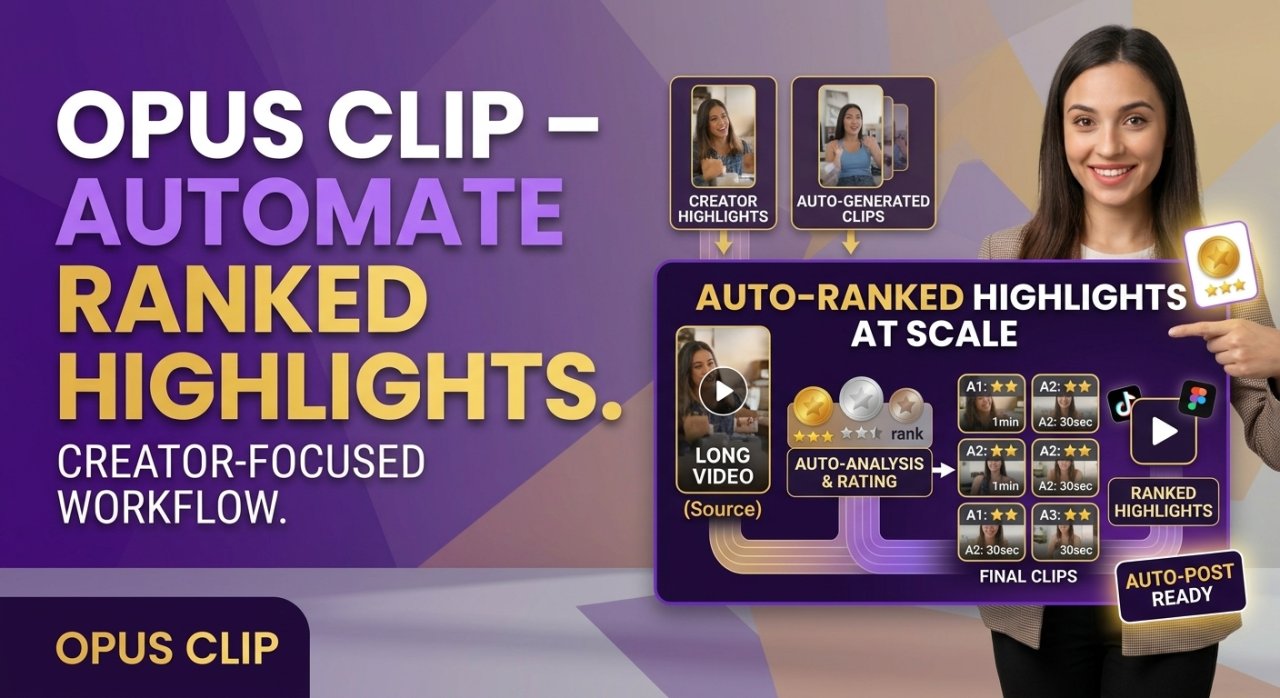
Opus Clip is one of the most widely used AI clipping tools for turning podcasts, livestreams and YouTube videos into short clips. You upload a long video or paste a YouTube link, and the AI scores potential clips based on predicted virality.
- Best for: podcasters, YouTubers, and coaches with long-form talking content
- Strength: ranks clips by a "virality score" so you know which ones to prioritize
- Workflow: upload video → let AI generate clips → choose a caption style → export
Descript — best for a transcript-based editing workflow
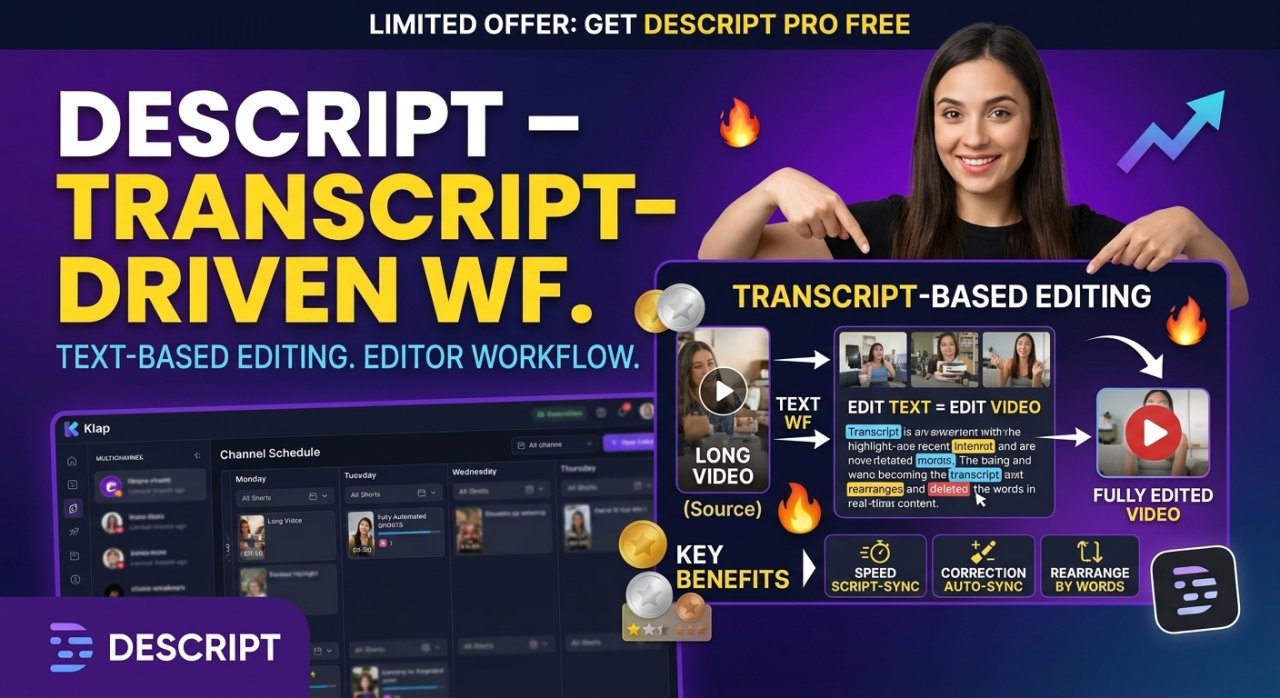
Descript lets you edit video by editing text. Delete a sentence from the transcript and it removes that section from the video automatically, which makes finding short-worthy segments fast.
- Best for: creators who think in words, not timelines
- Strength: combines transcript editing, filler-word removal, and clip creation in one place
- Tip: use the "Underlord" AI features to summarize long recordings before clipping
Vizard — best for marketers repurposing webinars and sales calls
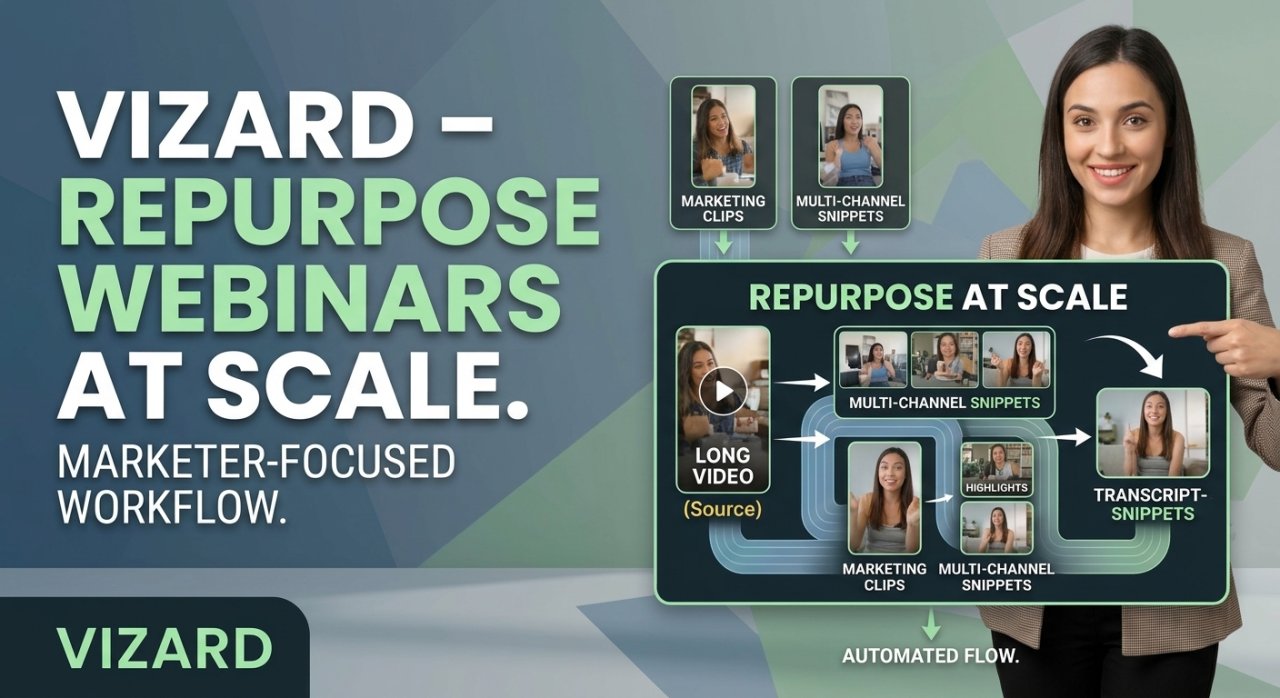
Vizard is built around repurposing business content — webinars, demos, interviews — into short clips at scale. It supports batch processing, which suits teams publishing across multiple channels weekly.
- Best for: marketing teams and agencies producing high volumes of short content
- Strength: bulk upload and multi-clip export in one pass
Veed.io — best for beginners who want a simple all-in-one tool
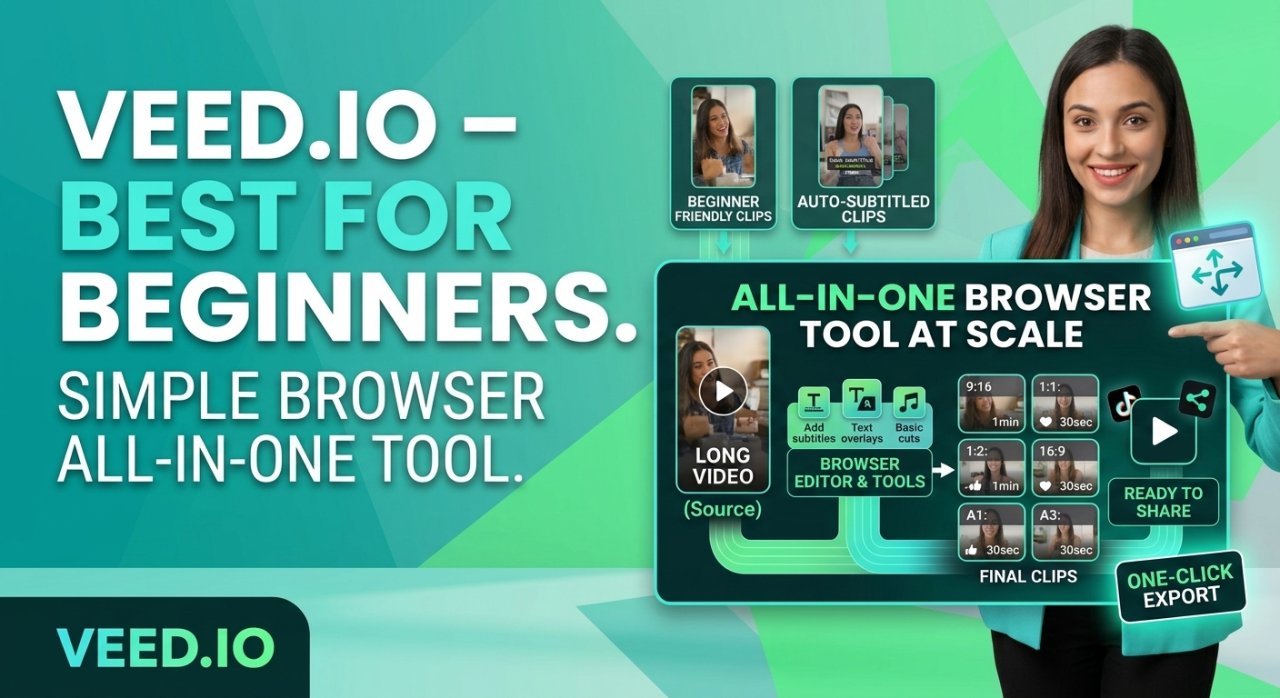
Veed.io runs entirely in the browser and combines AI clipping with a broader suite of editing tools, including text-to-speech, subtitles, and templates. It suits people who want one tool for both long-form and short-form editing.
- Best for: small businesses and solo creators new to video editing
- Strength: clean interface, no software to install
CapCut — best free mobile-first option
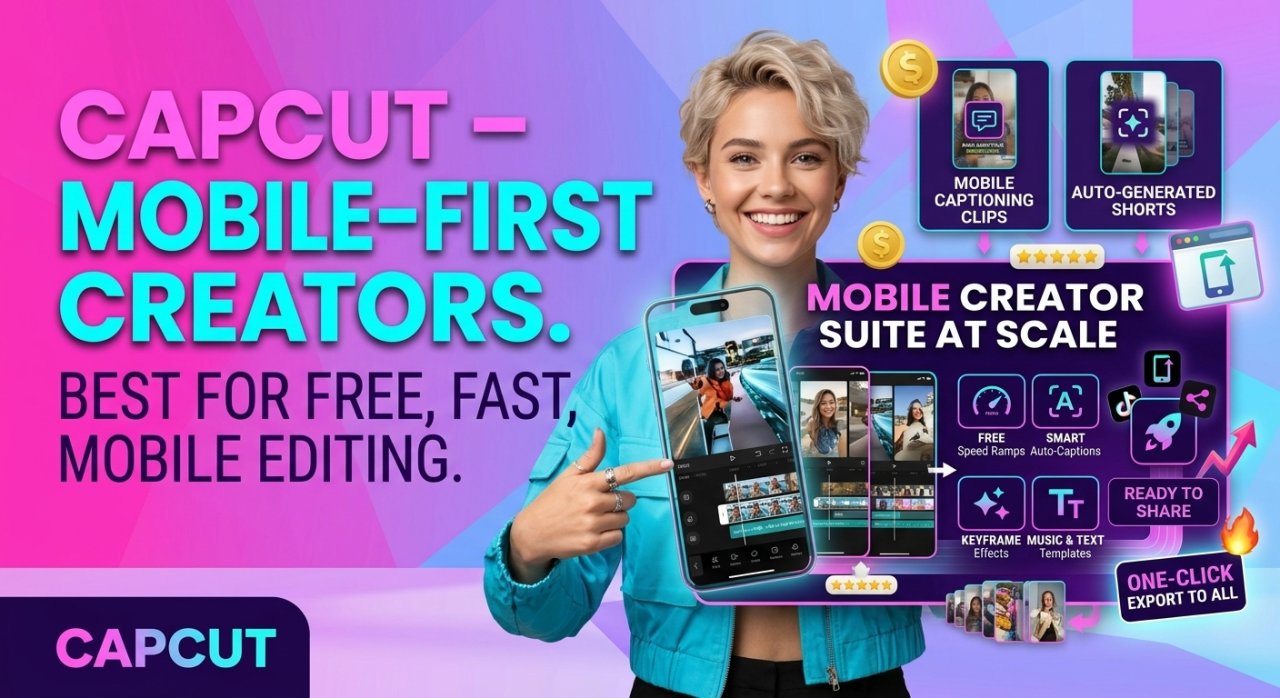
CapCut is widely used by TikTok creators because it's free, mobile-friendly, and integrates directly with TikTok's ecosystem. It includes auto-captions, templates, and basic AI clipping features.
- Best for: creators editing directly on their phone
- Strength: fast, familiar interface for TikTok-native content
- Limitation: less suited to long-form repurposing at scale compared to desktop-first tools
Munch — best for multi-platform distribution and team workflows
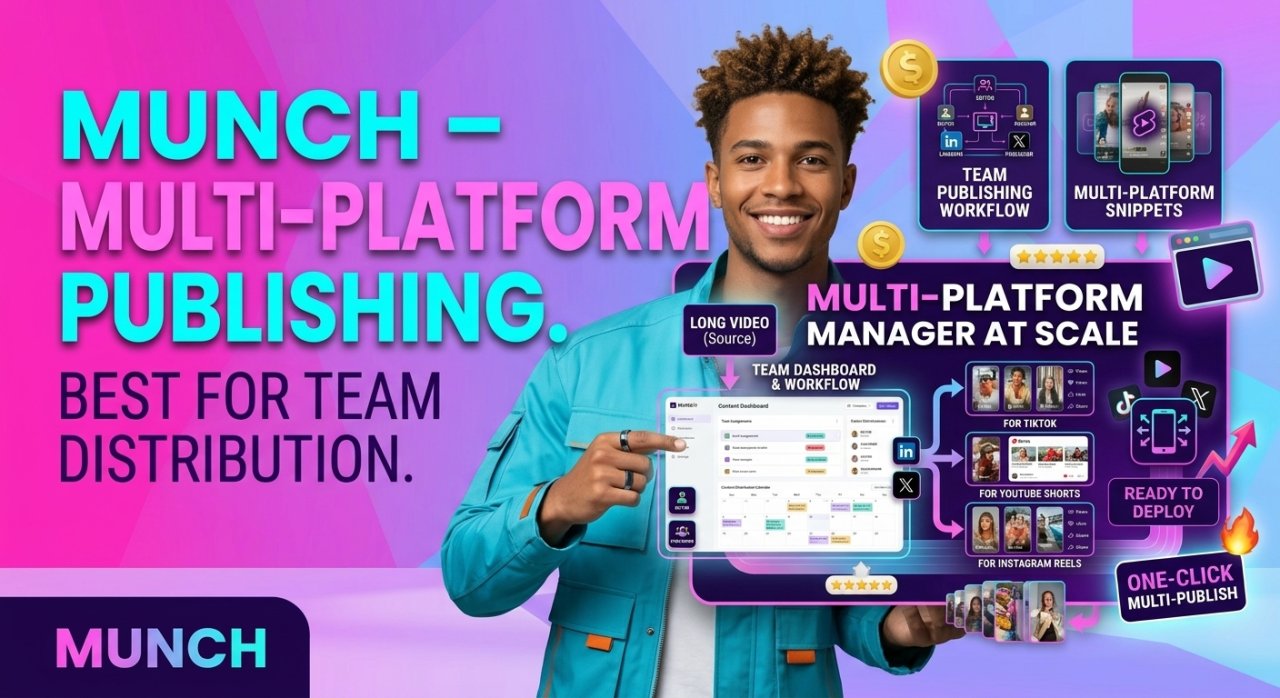
Munch focuses on taking one long video and producing optimized versions for TikTok, Reels, Shorts and LinkedIn simultaneously, with platform-specific formatting.
- Best for: teams managing publishing across several platforms
- Strength: built-in scheduling and distribution features alongside clipping
Klap — best for quick, viral-style vertical clips
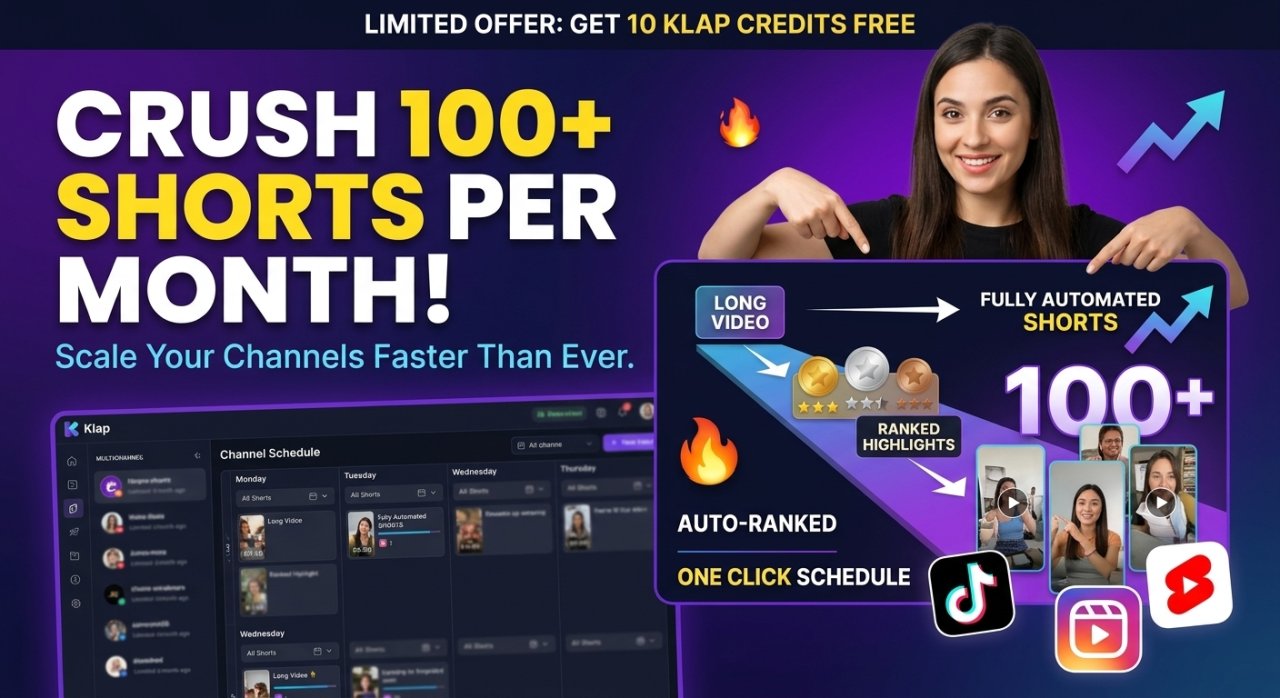
Klap is designed for speed: upload a video and get several vertical clips with captions within minutes, with minimal manual adjustment needed.
- Best for: solo creators who want quick output without fine-tuning every detail
- Strength: fast turnaround, good default caption styles
Submagic — best for animated, high-retention captions
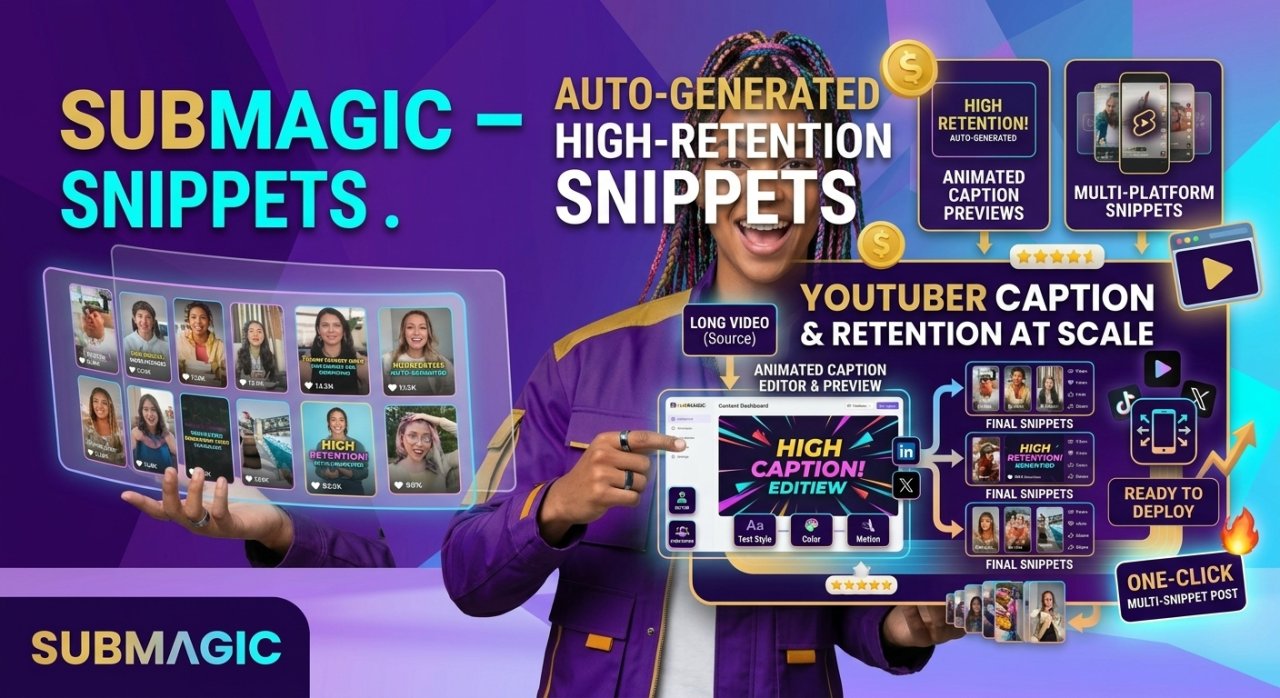
Submagic specializes in caption styling — animated word-by-word captions, emojis, and sound effects that are popular in high-performing TikTok and Reels content.
- Best for: creators whose main goal is maximizing watch time through captions
- Strength: caption templates modeled on top-performing short-form trends
Pictory — best for turning scripts and blogs into shorts too
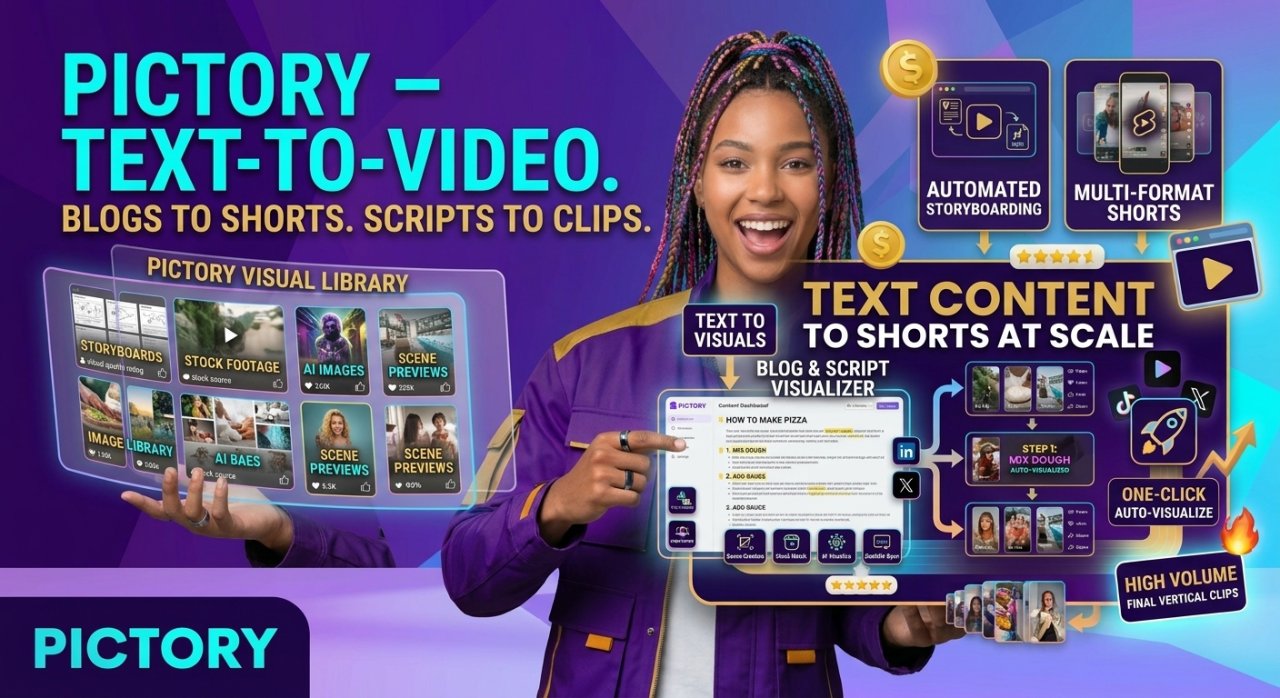
Pictory can generate short videos not just from existing footage but also from text scripts or blog posts, using stock footage and AI voiceover. This makes it useful beyond pure repurposing.
- Best for: marketers who want to turn written content into short video too
- Strength: flexible input — video, script, or article
Kapwing — best for collaborative team editing
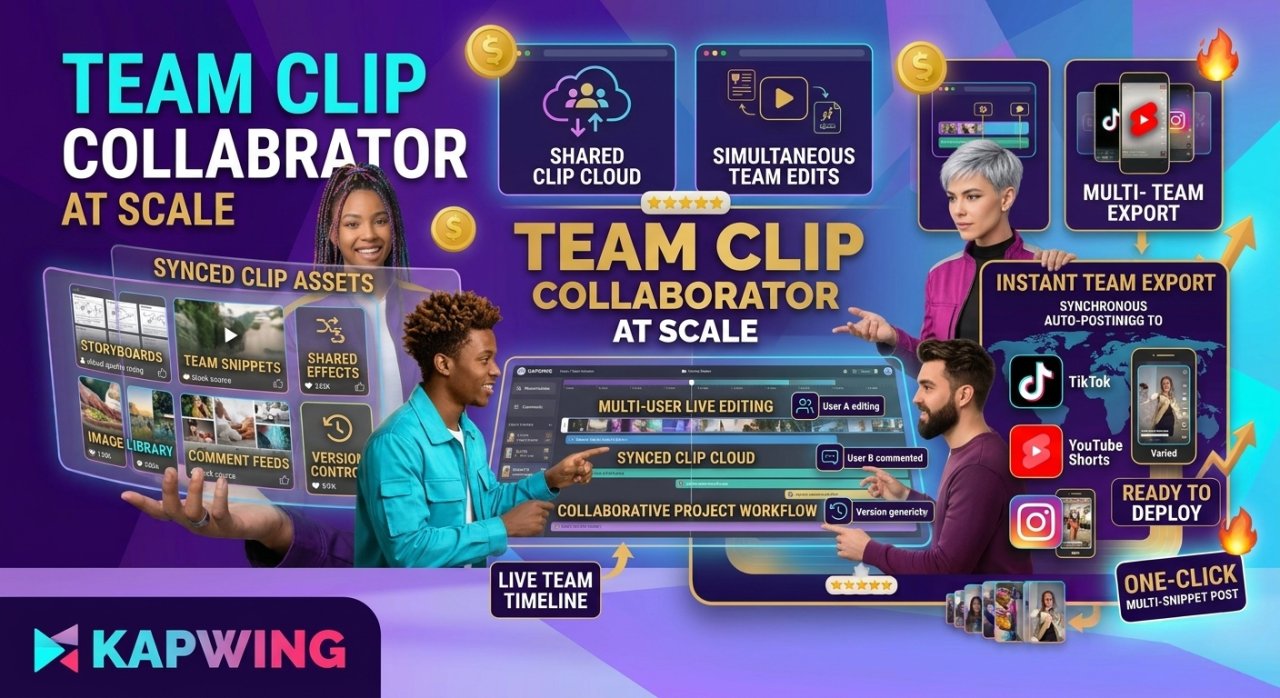
Kapwing is browser-based and built with collaboration in mind, letting multiple team members work on the same project. It includes AI clipping alongside manual editing tools.
- Best for: teams that need to review and adjust clips together before publishing
- Strength: real-time collaboration features similar to Google Docs
How to choose the right tool for your workflow
- If you publish long podcasts or interviews weekly, start with Opus Clip or Vizard
- If you prefer editing by rewriting text, choose Descript
- If you're on a tight budget and edit from your phone, use CapCut
- If captions and retention matter most to you, add Submagic to your workflow
- If you manage a team, look at Munch or Kapwing for collaboration
Many creators actually combine two tools — for example, Opus Clip or Vizard to find and cut the clips, then Submagic to restyle the captions before publishing.
Step-by-step: turning one long video into multiple shorts
- Upload your long-form video (podcast, webinar, YouTube video, or livestream recording)
- Let the AI transcribe and analyze it for key moments
- Review the suggested clips and pick the ones that match your message
- Choose a caption style and vertical framing (9:16 for TikTok/Reels/Shorts)
- Trim the start and end points so each clip has a clear hook in the first 2-3 seconds
- Export and upload directly, or schedule through a distribution tool if available
Common mistakes to avoid
- Relying only on AI suggestions without reviewing whether the hook actually works
- Using captions that are too small or hard to read on mobile screens
- Publishing clips without a clear opening line — the first 2-3 seconds decide if viewers stay
- Ignoring platform-specific aspect ratios and uploading stretched or cropped footage
- Posting too many clips from one source at once instead of spacing them out
Pricing considerations
Most of these tools offer a free trial or limited free tier, with paid plans scaling based on export minutes or number of clips per month. Pricing and plan details change frequently, so check each tool's current pricing page before committing. [CHECK]
What to do next
Pick one tool that matches your main bottleneck — finding good moments, writing captions, or publishing across platforms — and test it on a single long video this week. Once you see how much editing time it saves, you can decide whether to add a second tool for caption styling or team collaboration.
Frequently Asked Questions
Newsletter
Join our subscribers list to get the latest news, updates and special offers directly in your inbox