Speechify – AI Text to Speech That Reads Anything Aloud

AIShopIt |
Reviews (0)
 0  0  114
From$139/year
6 days ago
Share: 
🎧 Text to Speech · Natural AI Voices

Listen to anything — and get through it faster

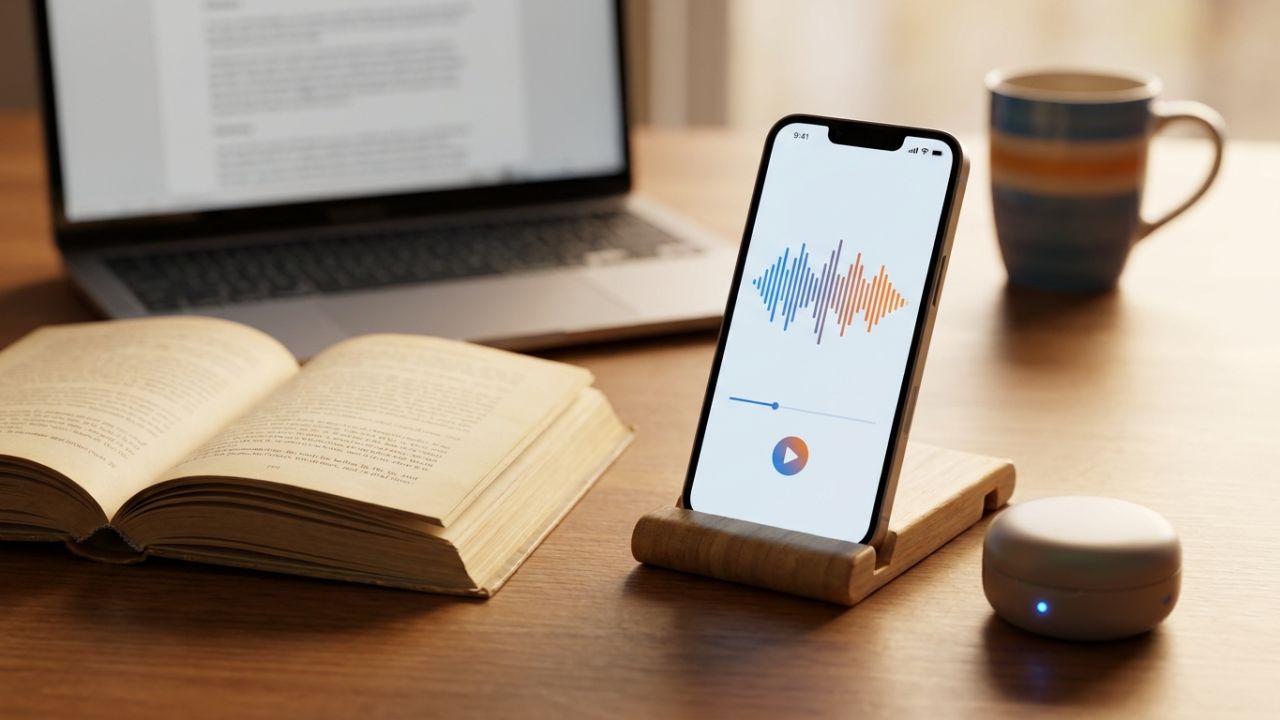
Speechify reads documents, PDFs, articles, emails and even printed pages aloud in natural AI voices. Listen while you walk, drive or work, and control the speed to learn at your own pace.

Start listening with Speechify →

Available on iPhone, Android, Chrome, Edge, Mac, Windows and web

Speechify: AI Text to Speech That Reads Anything Aloud
7
platforms supported
Any text
PDFs, web, email, books
Speed
control: listen your way
AI
natural human-like voices

Reading, reinvented

Turn reading time into listening time

Snap a photo of a book page, open a PDF or a web article — Speechify reads it to you in a natural voice. Great for busy professionals, students and anyone who learns better by listening.

  • ✅ Scan printed pages with your phone camera
  • ✅ Read any website with the browser extension
  • ✅ Adjust speed from relaxed to super-fast
  • ✅ Use it on your phone, browser and computer
Start listening with Speechify →
Person using Speechify

Key features

What you can do with Speechify

📄

Documents & PDFs

Listen to files, reports and e-books on any device.

🌐

Web pages

Have articles and emails read aloud in your browser.

📷

Scan & listen

Take a photo of printed text and hear it instantly.

⏩

Speed control

Slow down to focus or speed up to get through more.

🗣️

Natural AI voices

Choose from human-like voices and accents.

🌏

Multiple languages

Listen in many popular languages.

🎤

AI VoiceOver Studio

Create voiceovers for videos and presentations.

🧩

Browser extension

Listen to any page in Chrome or Edge with one click.

Perfect for

Who gets the most out of Speechify

🎓

Students

Get through readings faster and remember more.

💼

Busy professionals

Listen to reports and emails on the go.

❤️

Dyslexia & ADHD

Make reading easier and less tiring.

How it works

1

Open your text

A PDF, web page, email or a photo of a page.

2

Pick a voice

Choose a natural voice and your speed.

3

Press play

Listen anywhere — walking, driving or working.

Frequently asked questions

What can Speechify read?

Documents, PDFs, web pages, emails, e-books and printed pages you scan with your phone.

Which devices does it work on?

iPhone, iPad, Android, Chrome, Edge, Mac, Windows and the web.

Can I change the reading speed?

Yes, you can slow down or speed up the voice to suit you.

Is it good for dyslexia?

Many people with dyslexia and ADHD use text to speech to read more comfortably.

Can I create voiceovers?

Yes, Speechify also offers an AI VoiceOver Studio for videos and presentations.

Your reading list, finally done

Listen to anything, anywhere, at your own speed.

Start listening with Speechify →

Disclosure: this page may contain affiliate links. If you sign up through them, AIShopIt.com may earn a commission at no extra cost to you. Speechify is a trademark of its respective owner. Images created by AIShopIt with AI. Features and statistics are based on published information and may change — check the official website for current details and pricing.

Features Many languages, Text to speech
Shop Location

No reviews found!

No comments found for this product. Be the first to comment!

We use cookies to improve your browsing experience, personalize content, and analyze our traffic. By continuing to use AIShopIt, you agree to our use of cookies. Learn more in our Cookie Policy.